Chris Hunsanger
Archive Photos Replies Gear About
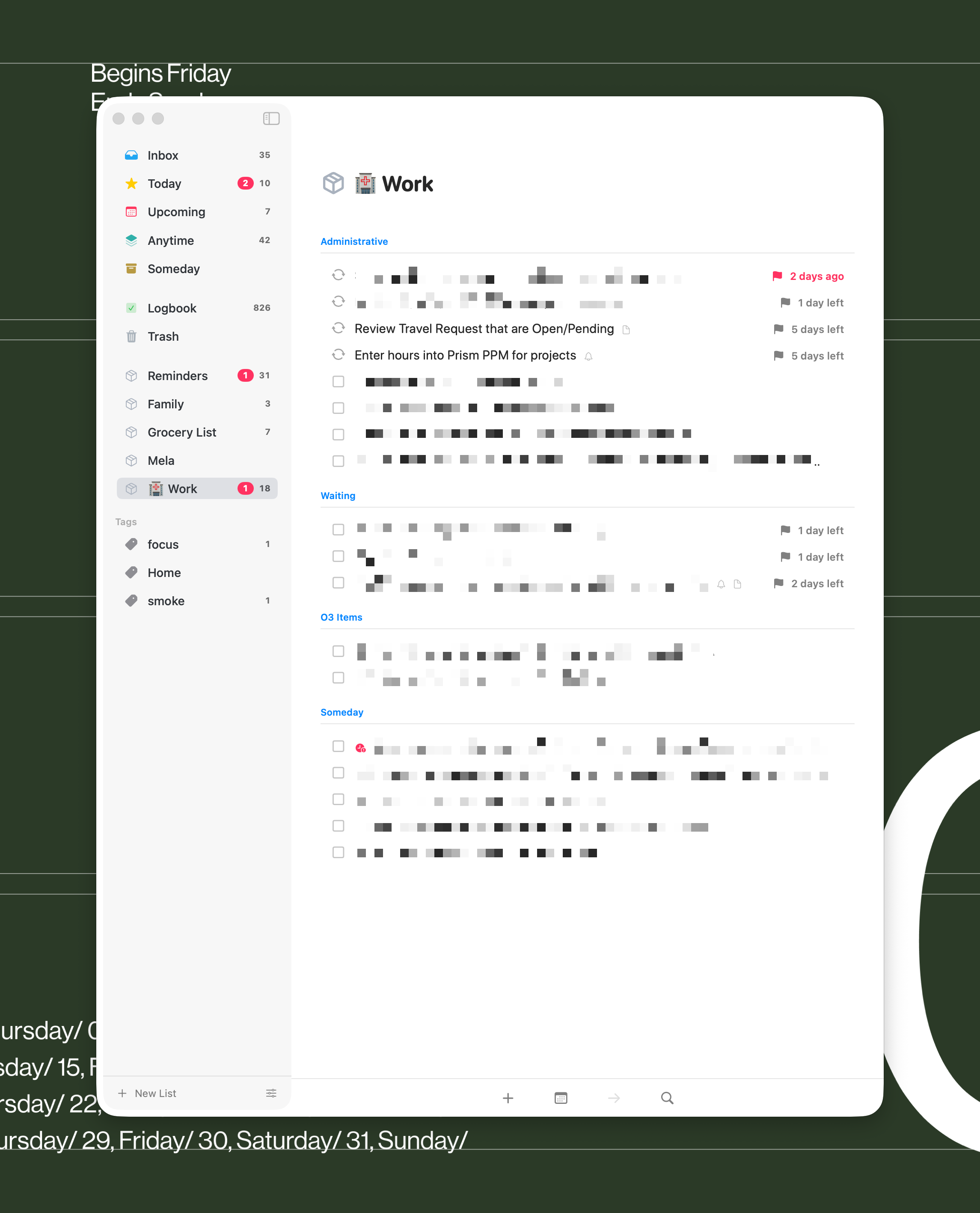
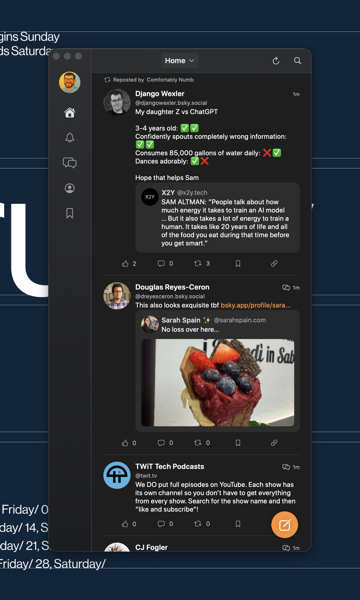
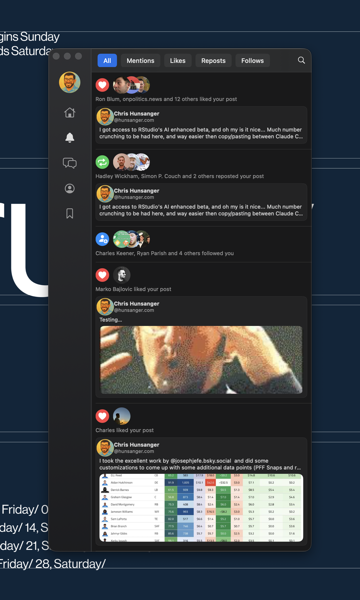
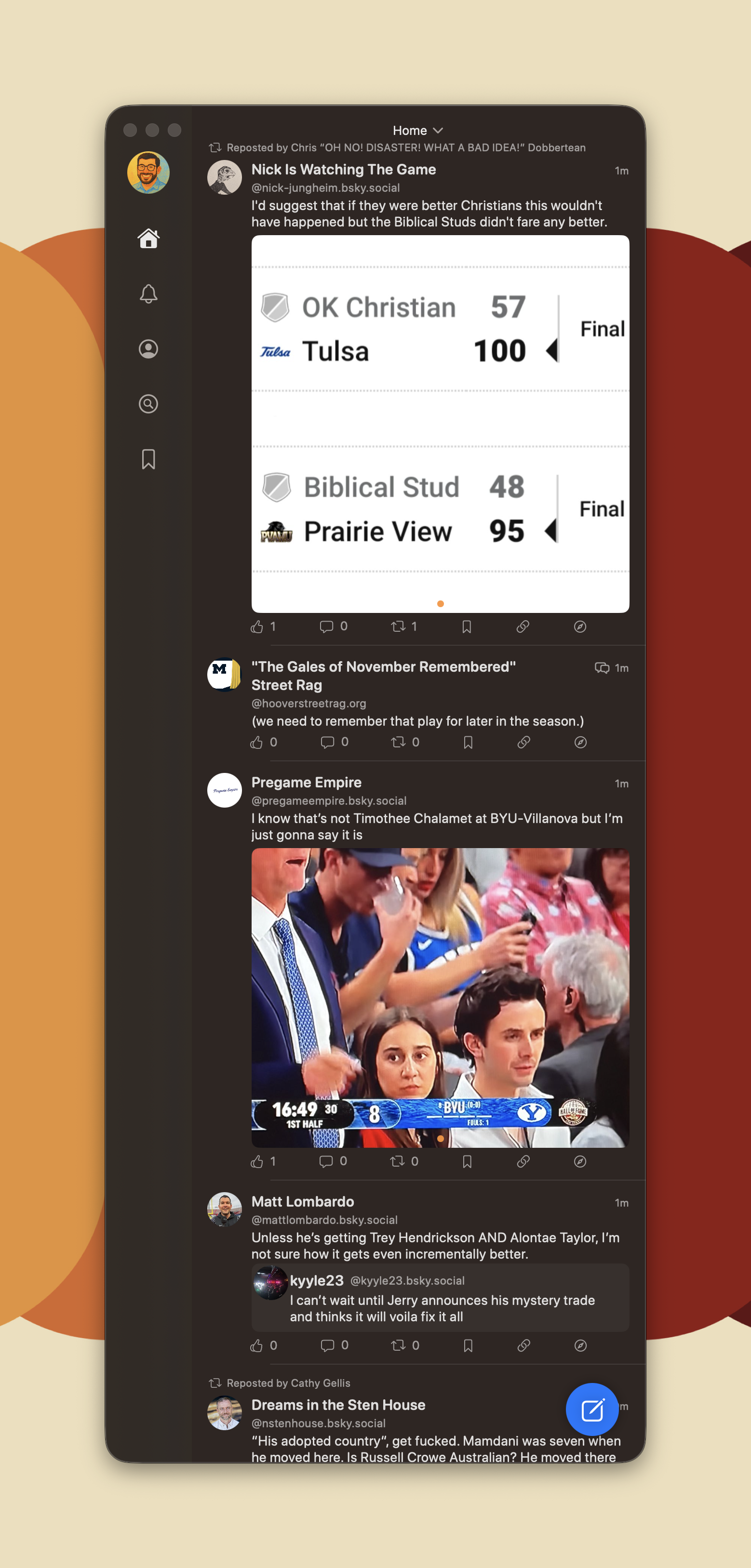
  • Got bored, built a macOS swift BlueSky app.

    Working:
    - Posting to BlueSky
    - Replying to posts
    - Timeline
    - Bookmarks
    - Profile view

    Not Working (yet):
    - Notifications
    - Quality search

    I’m not sure how far I’ll take this at this point, but a fun exercise in creating a macOS app.

    โ†’ 10:15 PM, Nov 3
    Also on Bluesky
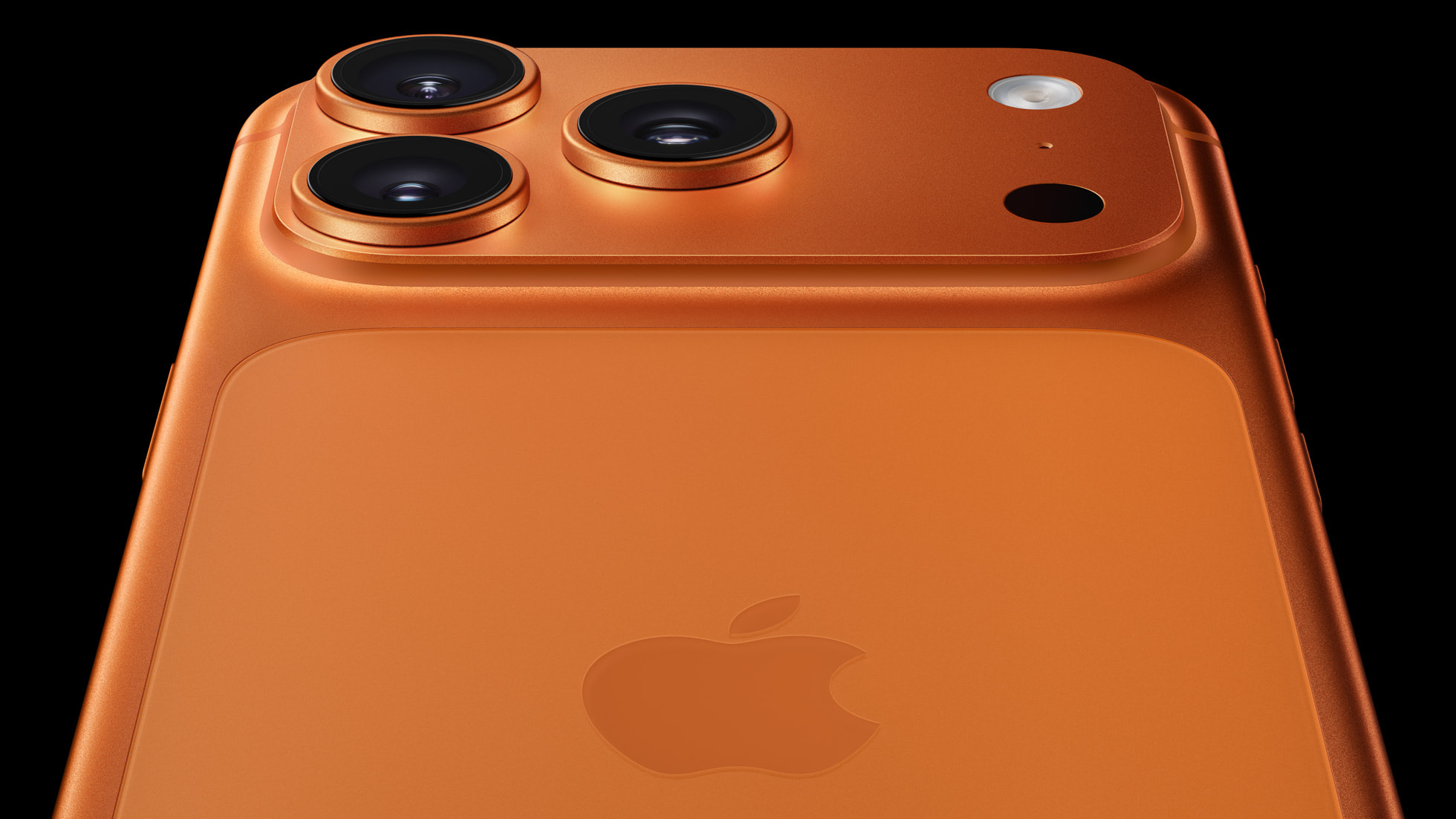
  • Gut feel is that ๐ŸŠiPhone 17 Pro Max is calling my name, despite the obvious better looks of the 17 Air in all aspects but the color.

    โ†’ 7:01 PM, Sep 9
    Also on Bluesky
  • Really happy with how things have been improving in the Obsidian space of late. Bases feature looks to be a game-changer (at least for me personally, databases are fun!), and has pulled me back into Obsidian from the comfy confines of the still excellent NotePlan 3 app.

    โ†’ 8:15 PM, Aug 25
    Also on Bluesky
  • Pumped to finally have a date for getting fiber internet in my home for the first time. ๐ŸŒ

    โ†’ 9:05 PM, Aug 13
    Also on Bluesky
  • Finished reading: Edgedancer: From the Stormlight Archive by Brandon Sanderson ๐Ÿ“š

    โ†’ 6:24 PM, May 12
    Also on Bluesky
  • Finished reading: Words of Radiance by Brandon Sanderson ๐Ÿ“š

    โ†’ 9:47 PM, Apr 21
    Also on Bluesky
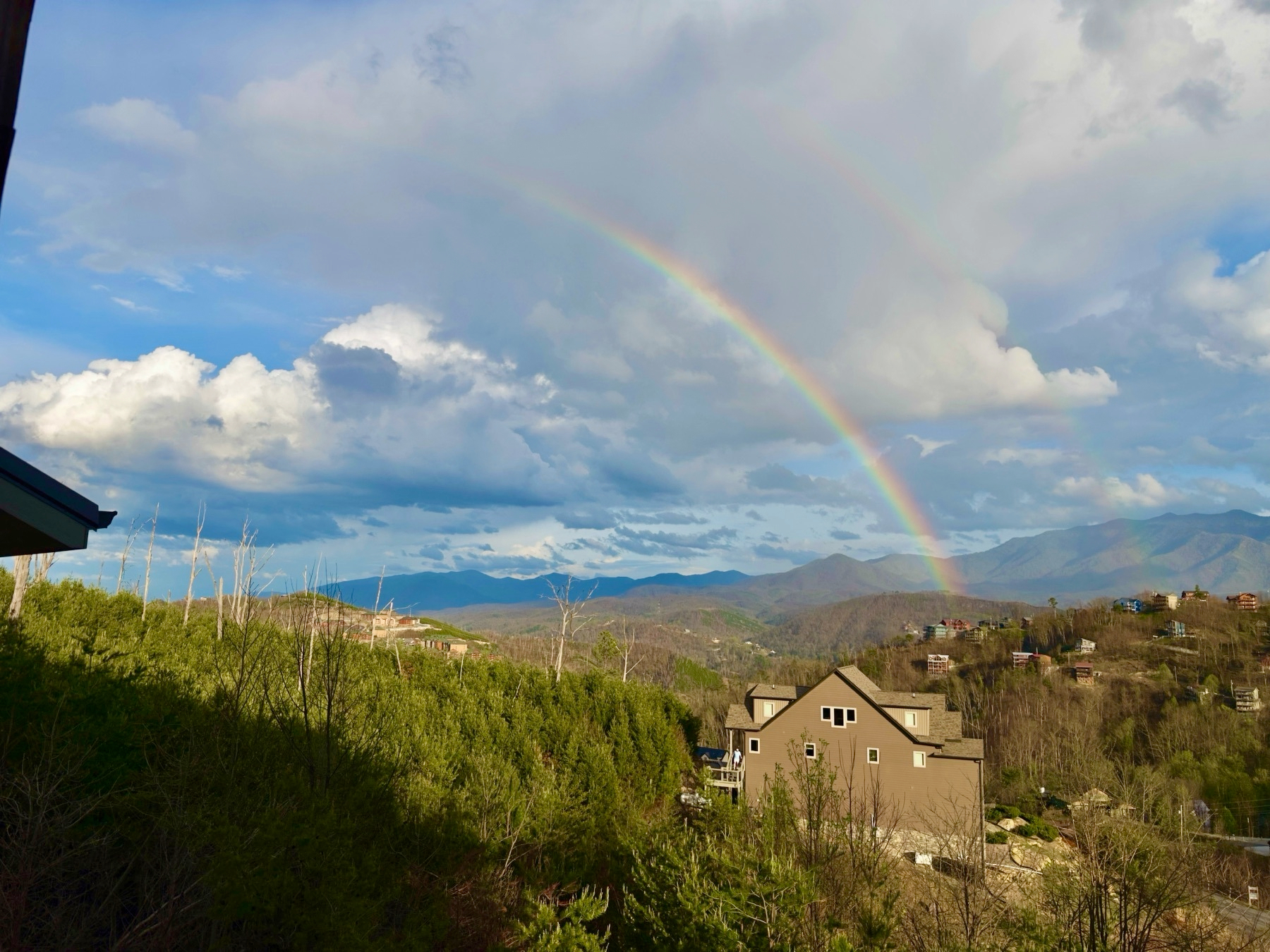
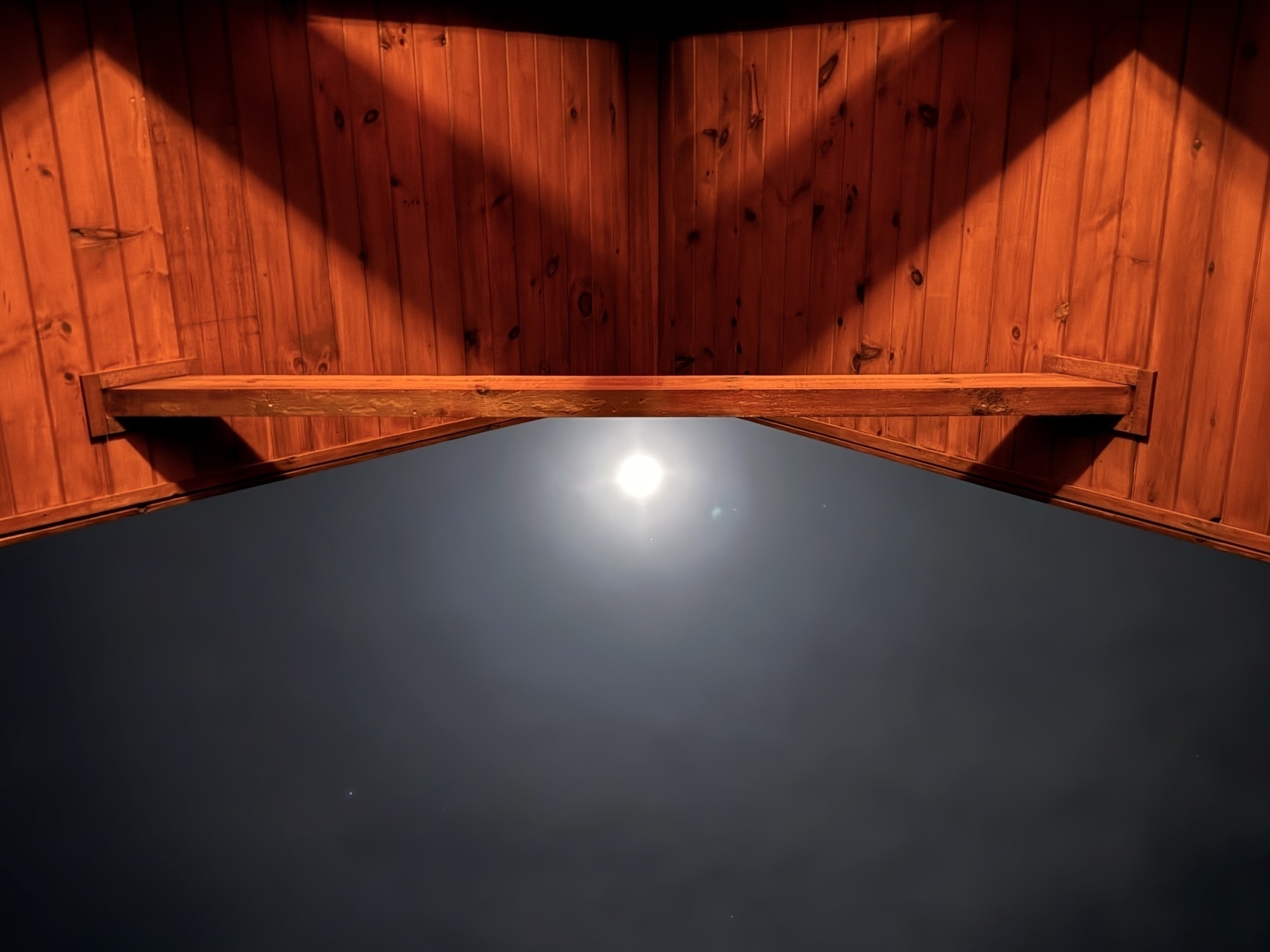
  • Cabin season is the best season.

    โ†’ 8:46 PM, Apr 5
    Also on Bluesky
  • Finished reading: The Way of Kings by Brandon Sanderson ๐Ÿ“š

    โ†’ 9:58 PM, Mar 24
    Also on Bluesky
  • MacUpdater

    MacUpdater has become an essential part of my digital toolkit โ€“ a rare utility that solves a genuine problem without creating new ones. It scans your Mac for outdated applications (tracking over 100,000 apps) and updates them with a single click, eliminating the fragmented update experience across different apps. What impresses me most is its thoughtful design: a clean interface that clearly highlights outdated apps, a privacy-first approach that requires no account creation, and a refreshingly straightforward one-time purchase ($12.59 for Pro Edition) licensing model.

    โ†’ 8:50 PM, Mar 23
    Also on Bluesky
  • Platform Investigation: Eleventy vs. Micro.blog vs. Weblog.lol

    I have been interested in sharing more online, and decided to finally do a true deep-dive into the options out there to host a blog.

    Background and Evaluation

    I have been a happy Micro.blog subscriber but never really used it to the fullest for “blogging”. I am not a big writer by any means, but enjoy sharing interesting things I come across. Maybe it’s a link to an article, or an attempt to share a take on the latest tech thing in my life.

    This eventually led me to evaluate the services in my life and how I use them. Previously I had my “homepage” which was just a link to this blog hosted on Micro.blog. I decided I wanted to change that up, and found that “hunsanger.blog” was available, and decided to move my blog content to that dedicated site, while moving my new “webpage” (omg.lol terminology) to be my home-base for my socials at hunsanger.com.

    After seeing praises sung by Robb Knight, I decided to check out Eleventy which honestly I came very close to using. I liked that I could have a clean Obsidian โ†’ GitHub โ†’ Netlify workflow that would allow me to do most of my blogging in my current note-taking application of choice. The customization options were limitless, and there was certainly a level of freedom about it that did call to me. The #1 feature I loved was the ability to locally view and tweak my theme and then push changes to GitHub.

    I also evaluated Weblog.lol (service offered through my omg.lol subscription) and it really is a good balance of functionality and convenience all while natively supporting markdown. I found the handling of templates to be a bit fiddly for my taste and customization was especially tricky but I’m anxiously going to check out Neato offered by Neatnik (who is behind omg.lol) when it is released.

    How I landed on Micro.blog

    • Responsive developer (I emailed Manton Reece about an issue I ran into with my theme and received multiple emails the same day answering my question)
    • It jives with how I want to use this space, which is as a collaborative easy to use multi-platformed hub of content. For example, Manton was quick to add BlueSky and Mastodon posting and integration with Micro.blog which I already am using and enjoying.
    • Great linkblogging support. Here is a great rundown on link-blogging from Manton that I came across when figuring out how to set this up with Micro.blog Linkblogging ยท Indie Microblogging
      • Solid input support
        • Does it have an app? Yes
        • Does it work with Drafts? Yes
        • Does it work with MarsEdit? Yes
        • Does it support Markdown natively for posts? Yes

    Plans

    • I want to post more, and specifically like the idea of doing more linkblogging in my admittedly limited free-time. I have four kids to entertain when I’m not working, and squeezing in time to write lengthy blog-posts just are not in the cards. Linkblogging with quick-takes feels doable.
    • I’ll re-evaluate the long-term blog platform when Neato comes out. I do like the idea of having things even more customizable (like Eleventy) and I would say that is not off the table by any means.

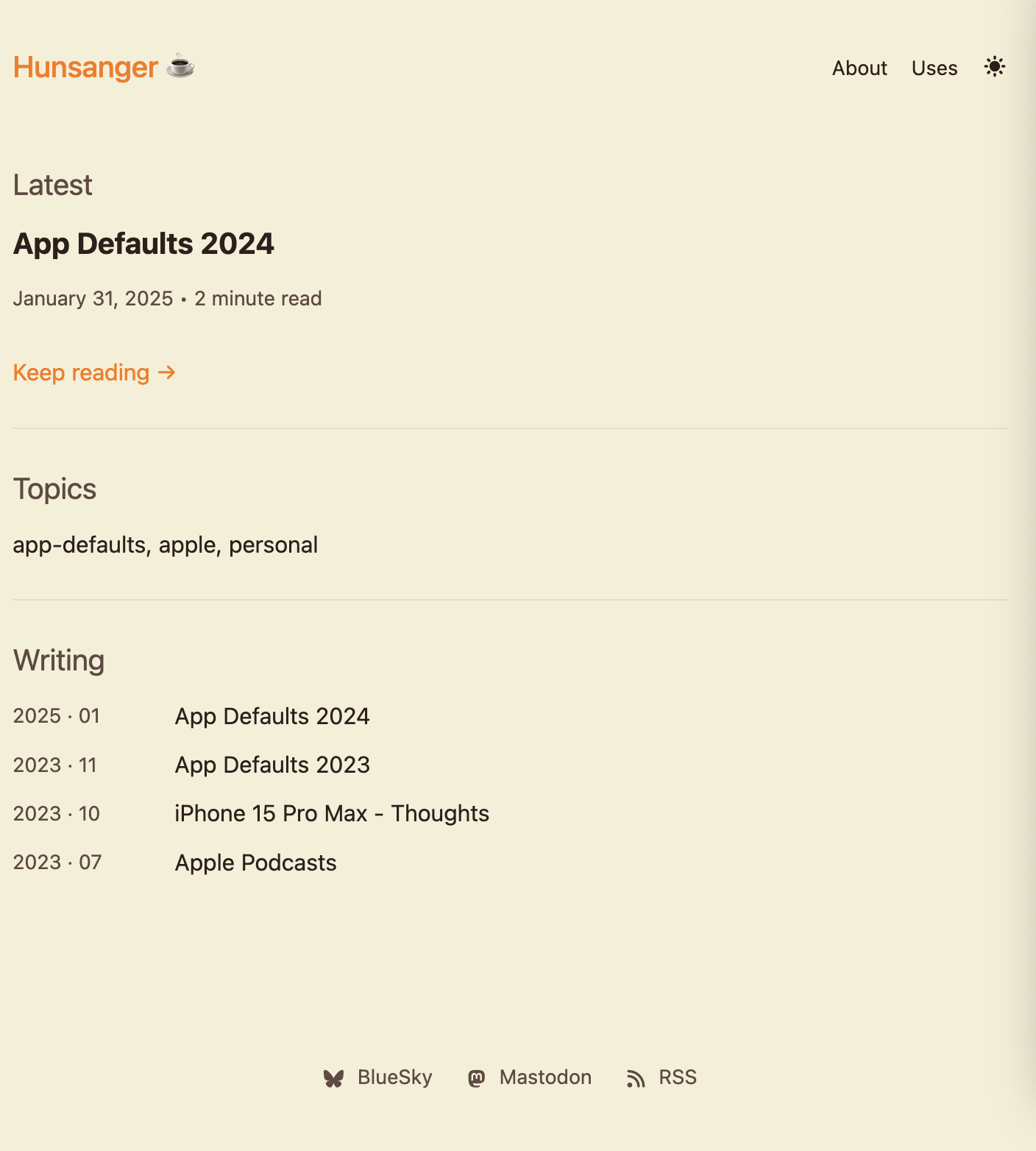
    For fun here are some blog screenshots I played around with during my evaluation period.

    Eleventy

    CleanShot 2025-03-14 at 08.52.57@2x.

    Weblog.lol

    โ†’ 4:43 PM, Mar 19
    Also on Bluesky
  • The Future of Search isn’t Google

    From David Pierce at The Verge:

    I’m still using Kagi, and it’s hard to imagine switching back. It’s now _Google _that looks bizarre and unfamiliar every time I open it. As Google has become more visual, more chaotic, and consistently less good at simply finding the things I’m looking for, Kagi has stayed simple and straightforward. It is a page full of links, and they’re usually the right ones.

    This has been my exact experience since switching to Kagi around a year ago, I’ve already made Kagi my go-to search engine on all of my devices.

    โ†’ 7:37 AM, Mar 19
  • App Defaults 2024

    Below is my updated list of apps I use in various categories updated from 2024. I have excluded my strict work-usage-only applications.

    Main Apps

    โ€ข ๐Ÿ“จ Mail Client: Mimestream (macOS) / Mail.app (macOS/iOS), Mail.app, and Gmail (search only) (iOS)

    โ€ข ๐Ÿ“ฎ Mail Server: Gmail, Fastmail, and some iCloud hosting with a custom domain

    โ€ข ๐Ÿ“ Notes: Notes.app (ad-hoc/personal), NotePlan, and a late shift back to Obsidian (work). I still bounce between these apps but lately enjoy using Obsidian more for most notes.

    โ€ข โœ… To-Do: OmniFocus, with some dabbling in Todoist

    โ€ข ๐Ÿ“ท iPhone Photo Shooting: iOS Camera

    โ€ข ๐ŸŸฆ Photo Management: Lightroom, Photos.app, Google Photos

    โ€ข ๐Ÿ“† Calendar: Calendar.app, BusyCal (included with SetApp)

    โ€ข ๐Ÿ“ Cloud File Storage: iCloud Drive, Google Drive

    โ€ข ๐Ÿ“– RSS: Feedbin + Reeder (I use both the new Reeder and Reeder Classic)

    โ€ข ๐Ÿ™๐Ÿปโ€โ™‚๏ธ Contacts: Contacts.app, Cardhop (for birthdays)

    โ€ข ๐ŸŒ Browser: Safari and Vivaldi (when Chromium is required)

    โ€ข ๐Ÿ’ฌ Chat: iMessage, Telegram, Discord, Slack

    โ€ข ๐Ÿ”– Bookmarks: Raindrop.io

    โ€ข ๐Ÿ“‘ Read It Later: Matter, Obsidian (using the excellent web-clipper)

    โ€ข ๐Ÿ“œ Word Processing: Paper (via SetApp)

    โ€ข ๐Ÿ“ˆ Spreadsheets: Excel

    โ€ข ๐Ÿ“Š Presentations: PowerPoint (occasionally dabble with Keynote)

    โ€ข ๐Ÿ›’ Shopping Lists: Instacart/Meijer app or Walmart direct

    โ€ข ๐Ÿด Meal Planning: N/A (I use shopping apps to plan)

    โ€ข ๐Ÿ’ฐ Budgeting and Personal Finance: Monarch Money

    โ€ข ๐Ÿ“ฐ News: Apple News, RSS

    โ€ข ๐ŸŽต Music: Apple Music

    โ€ข ๐ŸŽค Podcasts: [[Apple Podcasts]]

    โ€ข ๐Ÿ” Password Management: Keychain/Passwords.app (1Password is only used for licenses and secured notes)

    โ€ข ๐Ÿ‘จโ€๐Ÿ’ป Code Editor: Nova

    โ€ข โœˆ๏ธ VPN: Tailscale

    โ€ข โœจ AI Platform: ChatGPT (preferred model for API usage in other apps), with some dabbling in local LLMs

    Other Apps I Rely On:

    โ€ข Search/Utility: Raycast
    โ€ข Screenshots: CleanShot X
    โ€ข Clipboard Manager: Paste

    Here is a link to my App Defaults 2023 post.

    For background, I was inspired by Hemispheric Views 097 - Duel of the Defaults! and this post by Robb Knight.

    โ†’ 9:01 PM, Mar 12
  • App Defaults 2023

    I was inspired by Hemispheric Views 097 - Duel of the Defaults! and this post by Robb Knight.

    Below is the list I use in the various categories mentioned. I have excluded my strict work usage only applications.

    ๐Ÿ“จ Mail Client: Mimestream (macOS) / Mail.app (macOS/iOS), Gmail (search only) (iOS)
    ๐Ÿ“ฎ Mail Server: Gmail, Fastmail
    ๐Ÿ“ Notes: Notes.app (ad-hoc), NotePlan. I do still occasionally dabble with Bear and Obsidian.
    โœ… To-Do: Reminders, Things 3
    ๐Ÿ“ท iPhone Photo Shooting: iOS Camera
    ๐ŸŸฆ Photo Management: Lightroom, Photos.app, Google Photos
    ๐Ÿ“† Calendar: Calendar.app
    ๐Ÿ“ Cloud File Storage: iCloud Drive, Google Drive
    ๐Ÿ“– RSS: Feedbin + Reeder
    ๐Ÿ™๐Ÿปโ€โ™‚๏ธ Contacts: Contacts.app, Cardhop (for birthdays)
    ๐ŸŒ Browser: Safari, Arc (when Chromium required)
    ๐Ÿ’ฌ Chat: iMessage, Telegram, Discord, Slack
    ๐Ÿ”– Bookmarks: Raindrop.io
    ๐Ÿ“‘ Read It Later: Matter
    ๐Ÿ“œ Word Processing: Ulysses
    ๐Ÿ“ˆ Spreadsheets: Excel
    ๐Ÿ“Š Presentations: PowerPoint, dabble with Keynote
    ๐Ÿ›’ Shopping Lists: Instacart/Meijer app direct or Reminders
    ๐Ÿด Meal Planning: N/A (use Shopping apps to plan)
    ๐Ÿ’ฐ Budgeting and Personal Finance: Copilot / Chronicle
    ๐Ÿ“ฐ News: Apple News, RSS
    ๐ŸŽต Music: Apple Music, Tidal (via Vault subscription)
    ๐ŸŽค Podcasts: Apple Podcasts
    ๐Ÿ” Password Management: 1Password, but migrating slowly to Keychain
    ๐Ÿ‘จโ€๐Ÿ’ป Code Editor: Nova
    โœˆ๏ธ VPN: Tailscale

    Other Apps I rely on:

    • Search/Utility - Raycast
    • Screenshots - CleanShot X
    • Clipboard Manager - Paste
    โ†’ 8:43 PM, Nov 26
  • iPhone 15 Pro Max - Thoughts

    • The 15 Pro Max seems (as of iOS 17.2 Beta)to run more warm then my previous iPhones. Definitely more noticeable to me than I ever remember with the 14 Pro Max.
    • Titanium finish is fantastic. In fact, the feel of the device was so good, I decided to go case-less for a bit, and ended up dropping my phone on cement almost immediately after making this decision.1
    • The 15 Pro Max weight differences (and re-balancing of the device) are significant. The phone has a better balance in hand, and the albeit small differences in weight, do make a difference.
    • I went with the Natural Titanium finish, and its fine. I think it’s the best of the overall even more toned down color palette for the Pro series.
    • The fine woven cases are not great. I think if you are someone that enjoys the feel of suede this case may appeal to you.
    • The action button is a cool inclusion, but I still do not feel like I have found a great daily use case for it (much like the action button on the Ultra).2
    • The 15 Pro Max 5x lens is fantastic, and I am already getting a lot of use out of it for my kids soccer games.
    • USB-C is… fine? I am glad to have nearly all of my primary Apple hardware with a few exclusions3. I do worry about lint buildup in the port which has been an issue with USB-C ports in the past on the Pixel phones I have owned, and USB-C is still a messy spec.

    Overall, minus the heat issue, the iPhone 15 Pro max has been my favorite iPhone to date, bumped specs aside, it was nice to see Apple focus on the materials (titanium is fantastic), and find ways to reduce the weight/feel of the device in hand.


    1. Of note, the titanium itself stayed 100% intact and scratch-less, but one corner of the phone glass has some minuscule chipping in the edge of the glass from where it hit the ground. ↩︎

    2. I think it is mostly a muscle memory change that I have not adjusted to yet, but I also have just not landed on that thing that will make it click for me. ↩︎

    3. I am holding out hope that Apple will be updating the AirPods Max, Magic Keyboard with Touch ID, and Magic Trackpad and Magic Mouse at the Oct. 30th event. ↩︎

    โ†’ 9:51 PM, Oct 27
  • iOS 17 Apple Podcast App

    I have been testing out the new iOS 17 Podcasts app, and for the most part it gets me 90% of what I want in a Podcast app.

    Biggest drawbacks:

    • Missing trim silence/smart speed feature. I did not realize how many of my podcasts I regularly listen to had so much dead air.
    • Additional incremental / custom per podcast speed settings People speak at different speeds, and it is really helpful to have custom settings per podcast
    • Quick access to show notes The iOS 17 Podcast app has the show notes available, but they require multiple taps to access, which is an added frustration.

    Favorite features:

    • Cross device application support (macOS, Apple TV, iOS, iPadOS, watchOS)
    • Design aesthetic.

    For now I am still bouncing between Overcast and the Apple Podcasts app, but I am happy to see Apple catching up in this space.

    โ†’ 9:19 PM, Jul 26
  • Tried a spray painter for the first time today, and I am officially a believer. Worked perfectly for tackling a cabinetry paint job.

    Only downside is the lengthy (and messy) cleanup process.

    โ†’ 8:36 PM, Jul 22
  • Working on getting iOS Focus modes properly configured this weekend.

    I am feeling fairly confident that iOS 17 dev beta 2 has broken Focus modes a bit though, as Do Not Disturb keeps getting enabled without any intervention on my side.

    โ†’ 11:49 AM, Jul 1
  • Checking out micro.blog and downloading the macOS Sonoma beta after returning from our camping trip early (due to thunderstorms), as one does.

    โ†’ 10:49 AM, Jun 26
  • testing out micro.blog

    โ†’ 9:26 PM, Jun 21
  • RSS
  • JSON Feed